Introduction
RadialMenuUI is a lightweight, high-performance C# radial menu and action wheel library for Grand Theft Auto V powered by ScriptHookVDotNet 3.
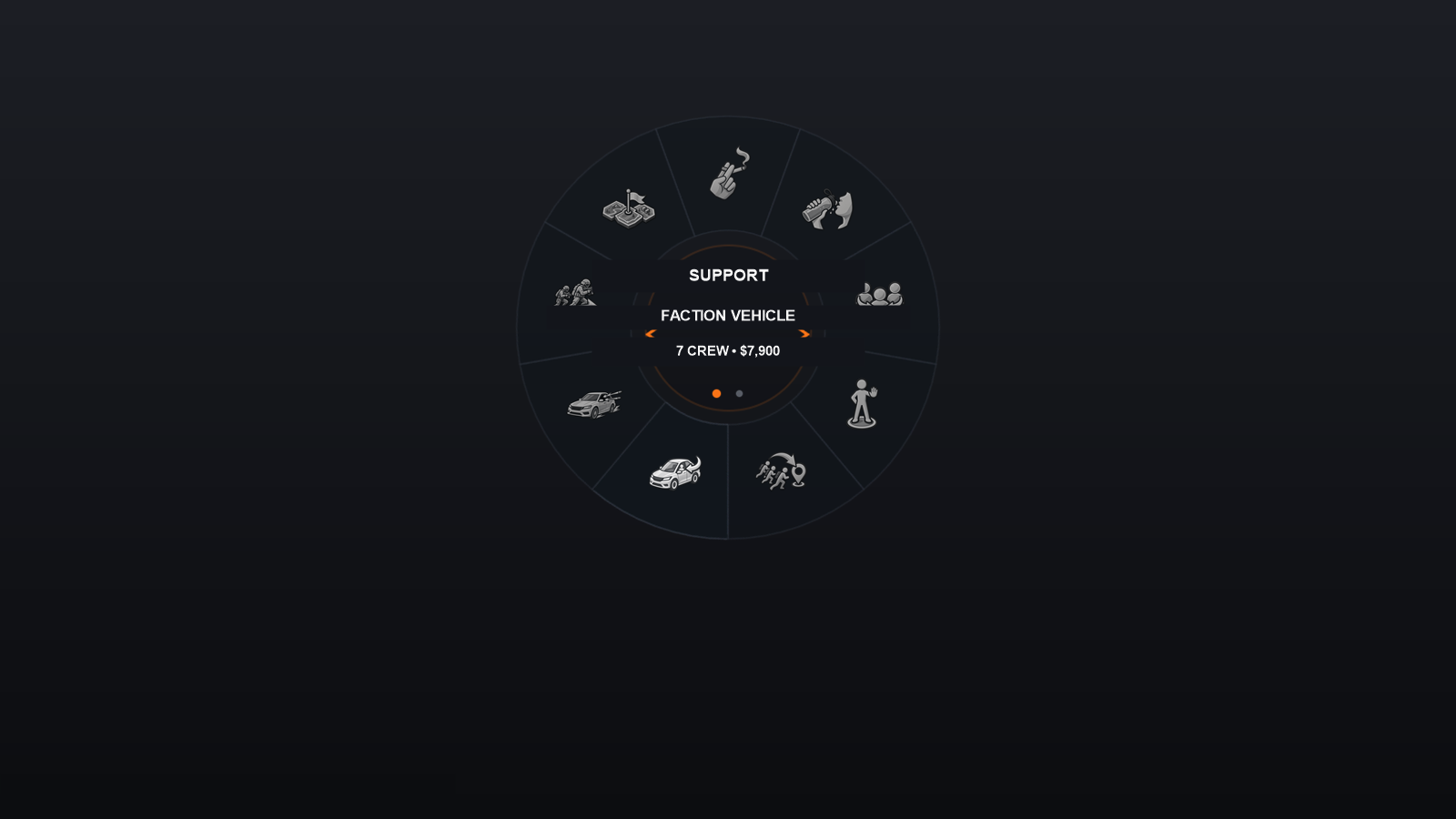
Originally engineered and battlefield-tested in InteractV, this library decouples radial menu rendering and input handling from gameplay logic, giving modders a polished, console-grade radial wheel for their own mods.
Why RadialMenuUI?
Building a responsive radial menu in GTA V is surprisingly difficult:
- Native Scaleform menus are rigid and slow to customize.
- Drawing 2D sprites via ScriptHookV often leads to flickering, aspect ratio stretching, or frame drops.
- Gamepad stick deadzones and mouse cursors easily trigger unwanted hovers if not carefully calibrated.
RadialMenuUI solves these hurdles out of the box with zero runtime overhead:
- Hybrid Dual-Input: Right stick on gamepad (with angular deadzones) + mouse pointer on a virtual 1280×720 canvas. The most recently moved device takes control seamlessly.
- Zero-Lag Native Rendering: Direct calls to ScriptHookV's native C++ texture functions (
createTexture,drawTexture) with lazy progressive warmup. No Scaleform lag, solid 60+ FPS. - Hierarchical Submenus: Easily build multi-level menus with breadcrumbs and back navigation.
- Variant Pagination: Attach multiple options to a single slot (e.g. weather, emotes, weapons) and cycle horizontally with D-Pad Left/Right or mouse wheel.
- Deep Theming: Support for 3 to 10 sectors (or 12), customized colors, alpha, dimensions, and custom PNG icons.
- Turnkey Gameplay Host: Optional
RadialMenuGameplayHosthelper providing hold-to-open lifecycle, cinematic slow motion, control blocking, and pause/death safety guards.
Architecture at a Glance
RadialMenuUI strictly follows the Single Responsibility Principle:

- Data Layer (
RadialMenuDef,RadialEntryDef,RadialVariantDef): Pure POCO declarations. No gameplay dependencies. - Input Layer (
IRadialMenuInput,GtaRadialMenuInput): Abstracts device input. - Controller Layer (
RadialMenuController): FSM managing hovers, active submenus, variants, sound effects, and lifecycle. - View Layer (
RadialMenuView,RadialMenuAssets): Draws background rings, active slices, center disc, labels, arrows, and icons.
Quick Navigation
| Topic | Description |
|---|---|
| Installation | How to add RadialMenuUI.dll and base textures to your project. |
| Quickstart | Build your first working radial menu in 10 lines of C#. |
| Menus | Creating submenus, keeping the wheel open, and slot placement. |
| Variants | Cycling multiple choices on a single slot. |
| Theming | Customizing ring textures, colors, and supported slot counts. |
| Assets | Icons by path or theme keys, and dynamic runtime textures. |
| Gameplay Integration | Slow motion, hold-to-open, and replacing the native weapon wheel. |
| API Reference | Complete classes, methods, and events reference. |